
AI is now an App Store
This afternoon, I was using my Linux notebook (a ThinkPad 11e running Pop!_OS) and I came across a useful bash script. I wanted to stash it someplace where it would stay handy. I needed a modern successor to the old Mac System 7 "Notes" desk accessory.
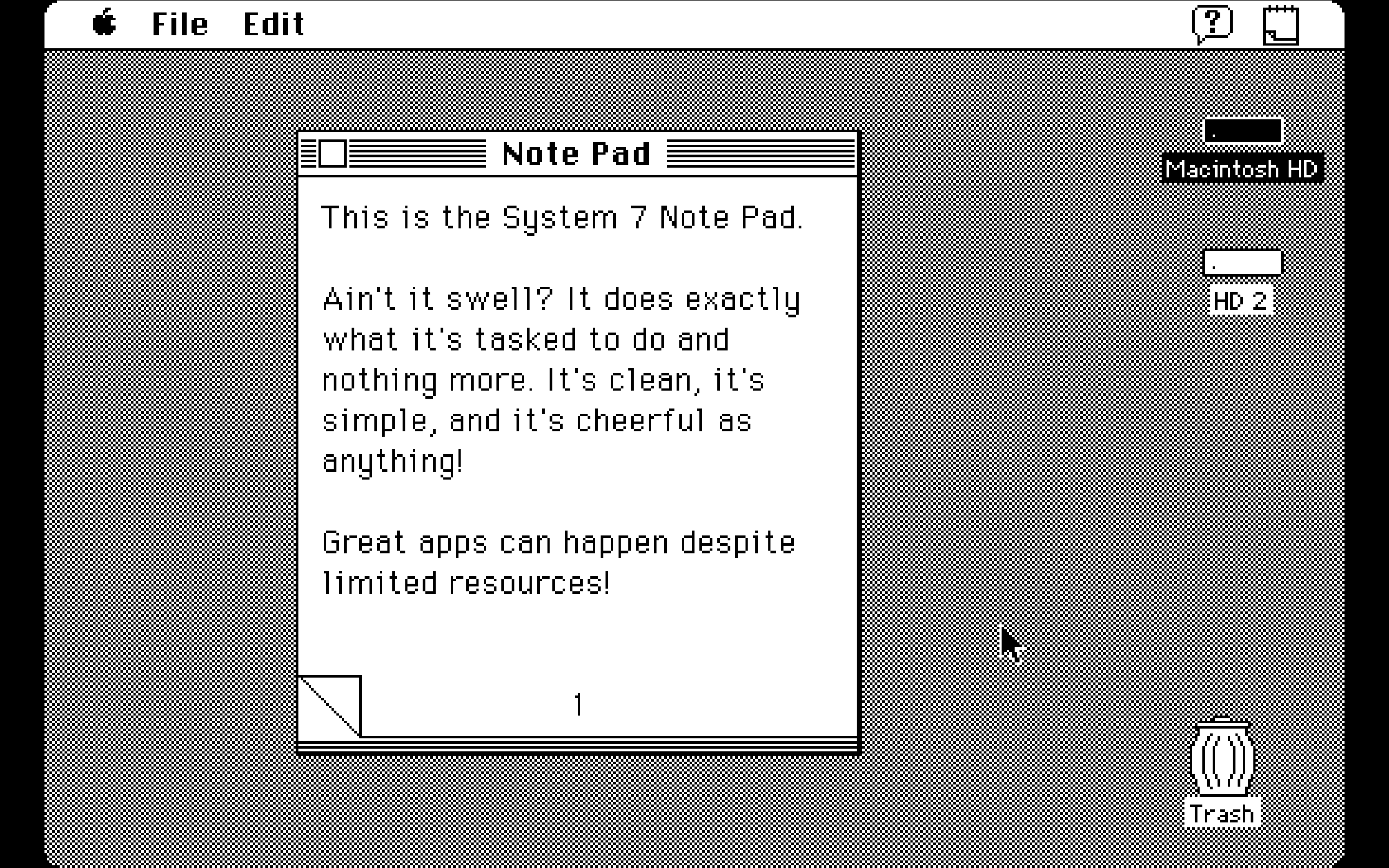
I didn't want a flexible Markdown editor that syncs across devices. I wanted a friendly note pad of fixed size, with a fixed number of pages, where I could stash little pieces of info or code or command-line stuff that I'm going to want to use again later. No backing up to the cloud, no sync services, everything local. Sort of like a clipboard manager, but more graphical and browsable.
(Just in case people land here after doing a Google Search for "Pop_OS!" and "clipboard manager": there's an applet under development that looks terrific. It's not right for the role I was trying to fill, but once it's safe for civilians I'm definitely installing it.)
There wasn't an app like this among Pop!_OS's pre-installed tools. But no matter! I assumed that I'd find dozens of knockoffs of Note Pad in the Pop!_OS equivalent of the App Store. I was sure that I'd find so many that I'd actually be annoyed by all of the options!
Nope. Instead, I only found dozens of knockoffs of Obsidian/Joplin: Markdown editors that can handle "notes" that are thousands of words long, and organize them into files and projects.
I'm just a weekend holidaymaker when it comes to Linux. I bet somebody knows of an existing open-source app that's exactly what I described.
But I couldn't find it quickly. I gave up and turned to vibecoding. Directing Gemini to build something for me from scratch gave me the exact app I needed, in less time than I'd wasted while failing to find something like it in Pop!_OS's app store.
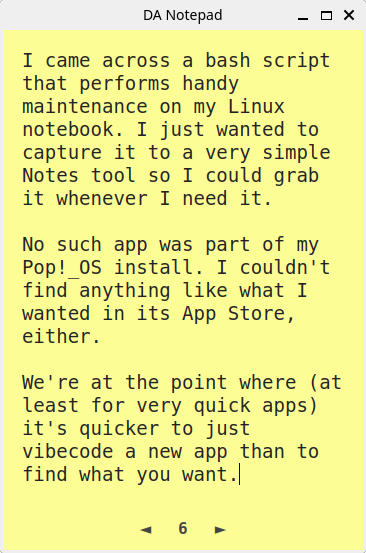
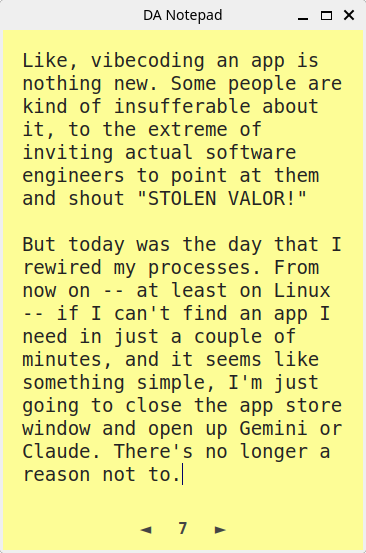
This sort of vibecoding isn't in any way a big deal — particularly with an app that's as dogbone-simple as a Notes desk accessory. This is a freshman-class (high school Freshman class) Python project. Fortunately for me, Gemini and Claude can reliably deliver the goods when you're trying to create an app that could have performed well on computers built way back when the only scandalous thing about Bill Clinton was that he'd given a super-long-winded speech at the Democratic National Convention.
Still, this mini-adventure seemed notable to me for a couple of reasons:
- I've done plenty of coding work with Gemini and Claude, using those tools either as a resource for code examples and debugging help, or for full-on vibecoding. My mindset was completely different with this task. My thinking mode was "I need an app: let's find it and install it." It wasn't "Yay! Let's crack open a suitcase of Mountain Dew and create some code!"
- It's a sign that the math has changed. Today, for some kinds of apps, where I have a specific idea of what I need, there's a good chance that having Claude or Gemini help me code up something new and bespoke will yield a better result, more quickly. Because searching through app stores, downloading a bunch of promising candidates, and weeding out everything that isn't fit for purpose is a huge, dispiriting fishing expedition, with no guarantee of success.
From now on – and only on Linux – I'm going to treat Claude and Gemini like second-tier app stores. Linux is the sweet spot. Python scripts can have robust, complete user interfaces. Once you've got one working, it's almost trivially easy to get the OS to treat it exactly like a desktop app. And although the COSMIC Store on Pop!_OS is the nicest Linux app store I've ever used, this only means that looking for apps is a poke in the eye with a blunter stick than what I'm used to from other distros.
I wonder how long it'll be before the math on this sort of thing works out for MacOS apps, or even iOS?
Curious about the prompt? Here it is.
Let's build a Mac System 7 Desk Accessory-style notepad app in Python that can be installed and run on my ThinkPad 11e, running Pop!_OS:

- Single window ONLY, mimicking a yellow (color of a Post-It note) A6-size notepad.

- Small window, portrait orientation, designed to take up a small amount of space on the desktop. The window can be moved, closed, and minimized, but it can't be resized.

- The title bar of the window reads "DA Notepad".

- Local storage ONLY. Does not require a connection to the Internet for anything, ever.

- Plain text ONLY. No images, no text formatting. Text should be presented in a friendly, easy to read way using a monospace system font at an easy-to-read size.

- Twelve "pages" in the notepad. On first launch, the notepad contains twelve blank pages.

- There is a page number in the center of the bottom of each page. Clicking on the page number activates a popup with the numbers 1 through 12. Clicking on a number inside the popup closes the popup and navigates to that page in the note pad. The section of the page containing the page number is set below the main text area of the note.

- To the left of the page number there is a left arrow. Clicking it turns to the previous page, using a simple but visually-attractive page transition. If the notepad is displaying the first page, the left arrow is greyed out and does nothing. To the right of the page number there is a right arrow. Clicking it turns to the next page, using a simple but visually-attractive page transition. If the notepad is displaying the last page, the right arrow is greyed out and does nothing.

- The Notepad file is a plain-text Markdown file that the user can copy and open outside of the app. Each page in the notepad begins in the Markdown file as an H1 item: "# Page One" "# Page 2" with the text of that note underneath the header.

- The notepad file autosaves, triggered both by a page turn as well as via a time interval that doesn't interrupt the user's editing of a note. If the user closes the app/window, the app should perform a final autosave before closing.